CRM data in the app
Contacts, variables, tags, campaign jobs and reports are stored in the desktop app's database.
Organise contacts, sync approved Meta templates, schedule personalised campaigns, and track every send from one desktop app.
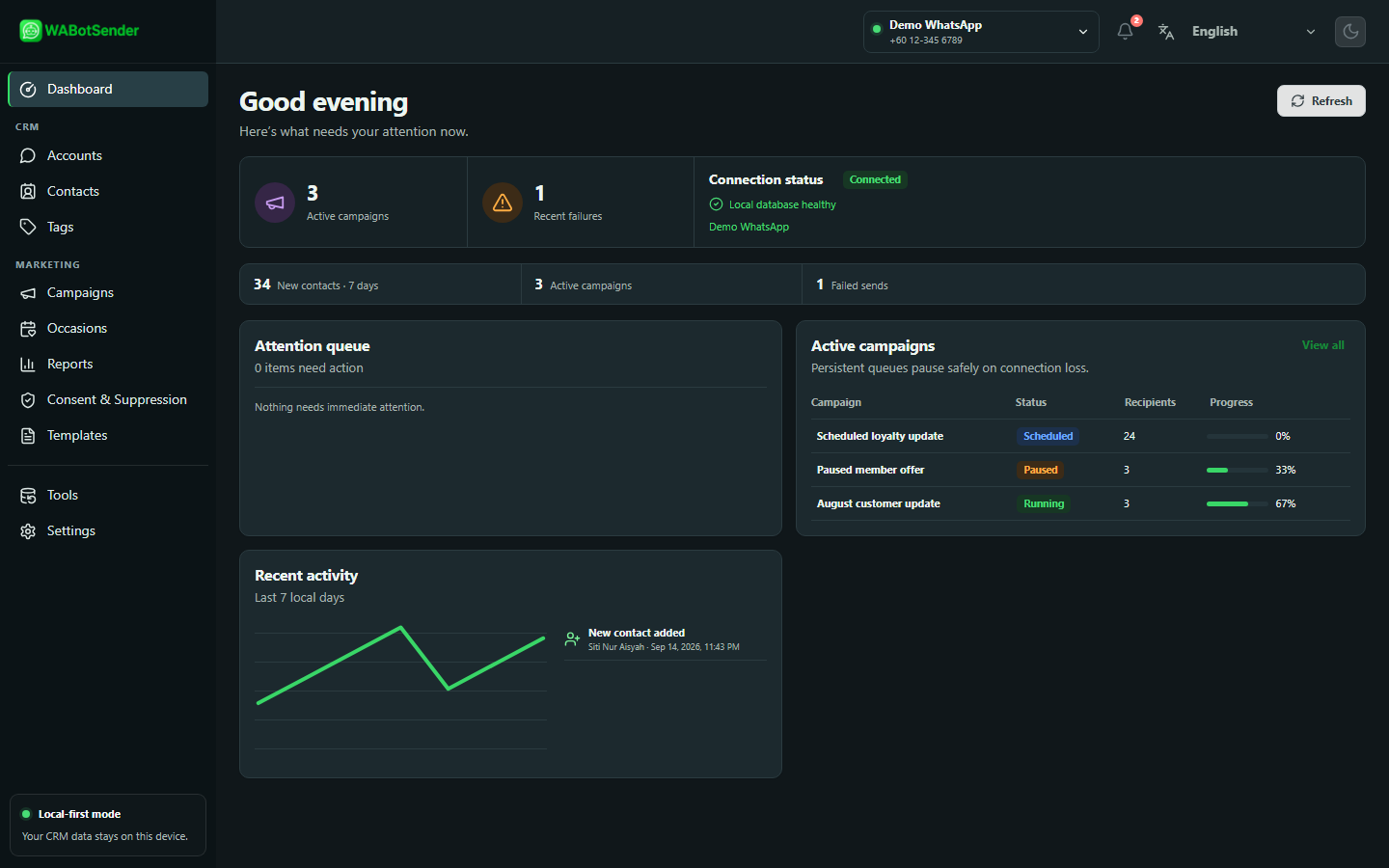
How it works
Move from a connected Meta account to a reviewed campaign in four deliberate steps.
Add your own Meta Cloud API credentials and verify the connection.
Import or add people, record consent, and group the right audience with tags.
Sync approved Meta templates and map each variable to the right CRM value.
Preview recipients, apply safety checks, then follow submission progress and reports.
Product showcase
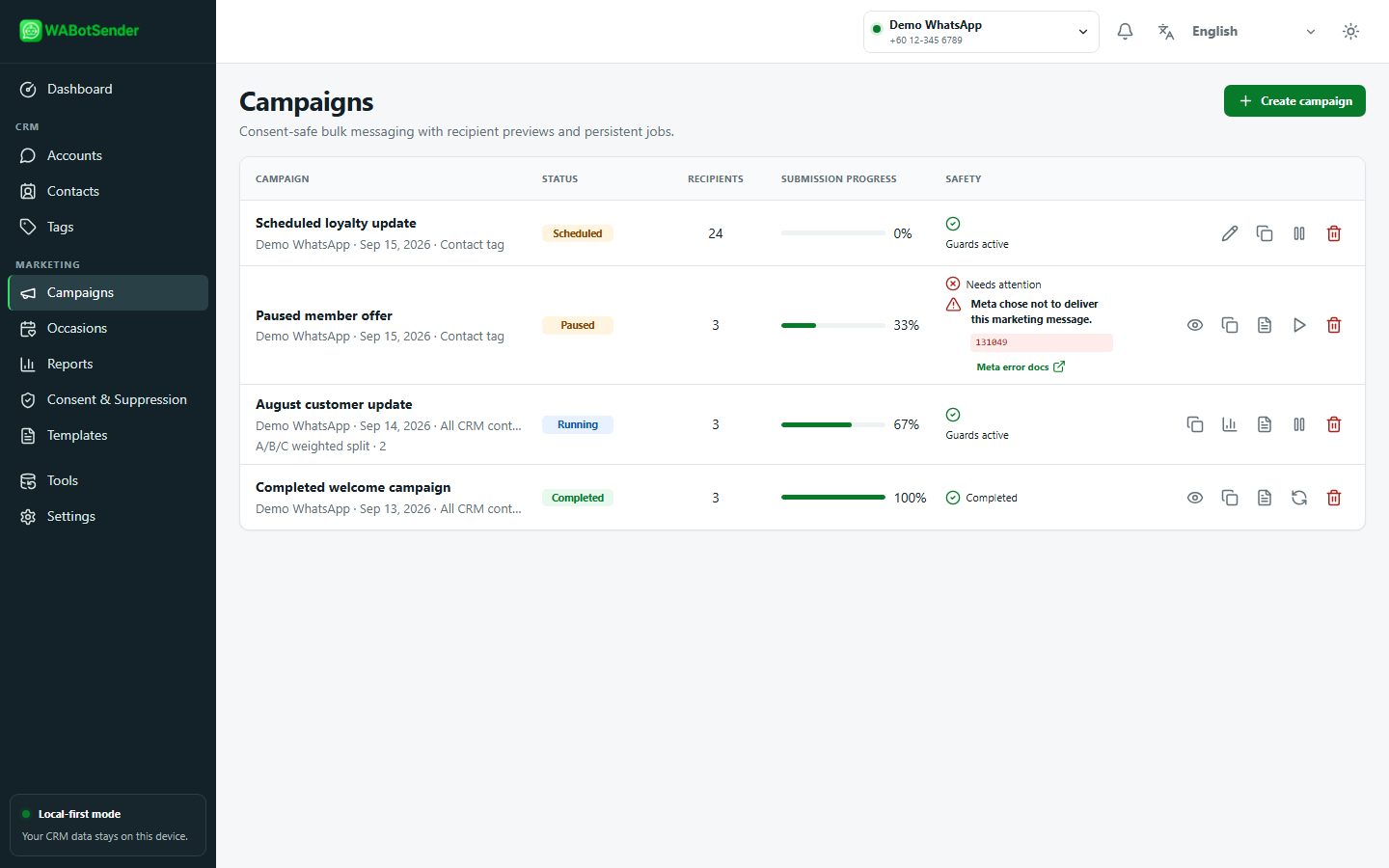
Choose who receives a campaign, use an approved message, and keep every scheduled job visible.
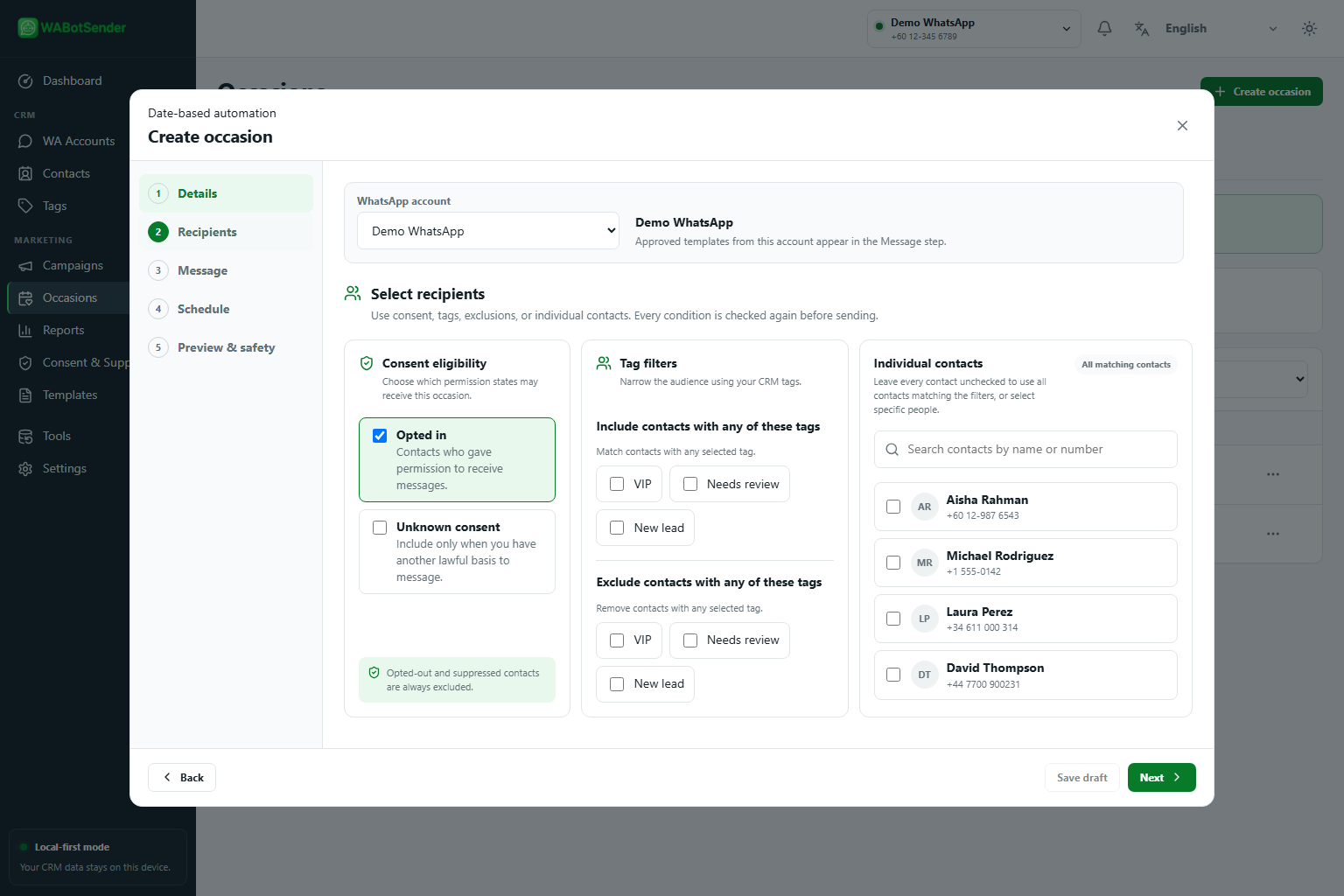
Use contact tags and consent settings to define the audience you intend to reach.
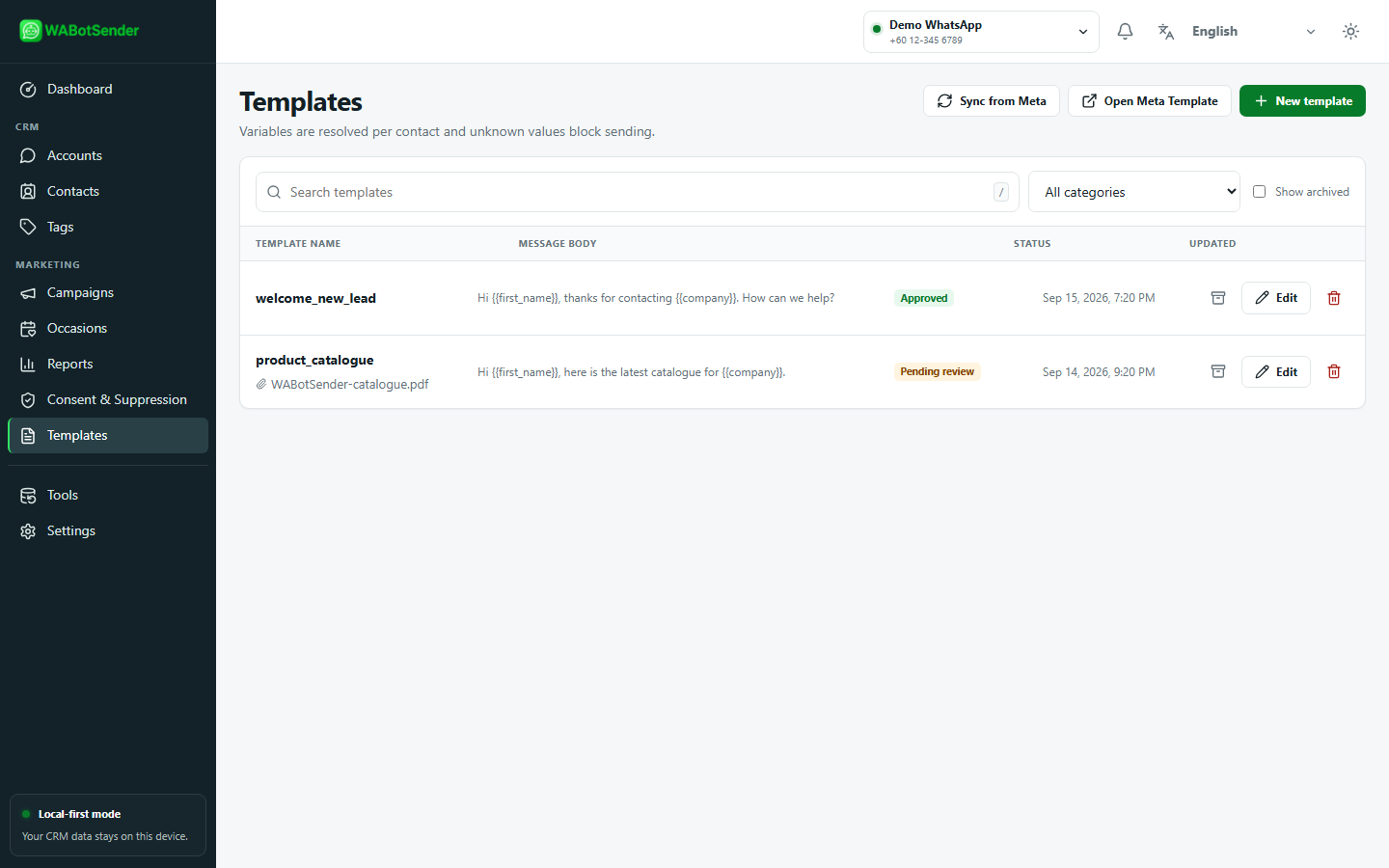
Resolve approved template variables from built-in and custom CRM values.
Review scheduling, submission progress, failures and reports without an inbound relay.
Desktop data control
The desktop app keeps the CRM close and connects to Meta only for the outbound actions you initiate.
Contacts, variables, tags, campaign jobs and reports are stored in the desktop app's database.
You connect with credentials from your own Meta business setup. WABotSender does not provide or manage that account.
Consent, suppression, recipient previews and campaign safety checks help you make informed sending decisions.

Download the Windows desktop app, connect your Meta account, and keep the rest of your workflow in one place.